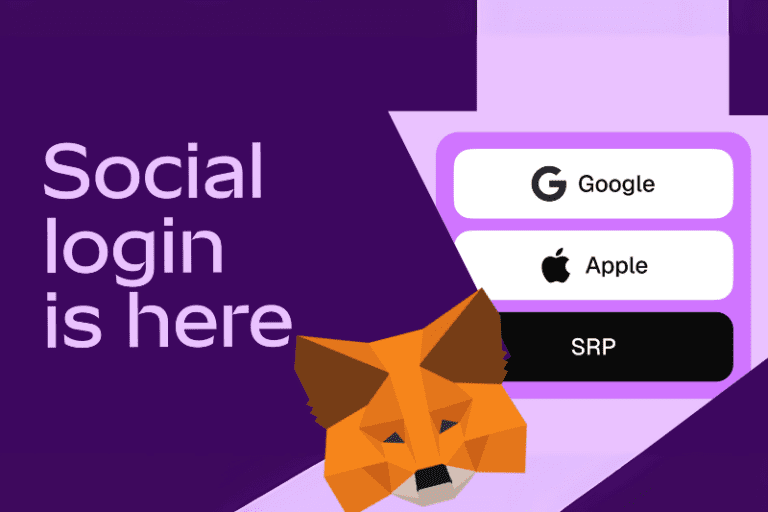
MetaMask’s integration of Google and Apple login for wallet access is a bold move aimed at improving usability—but whether it’s “good” for decentralization depends on how you define and prioritize decentralization.
What is Metamask wallet?
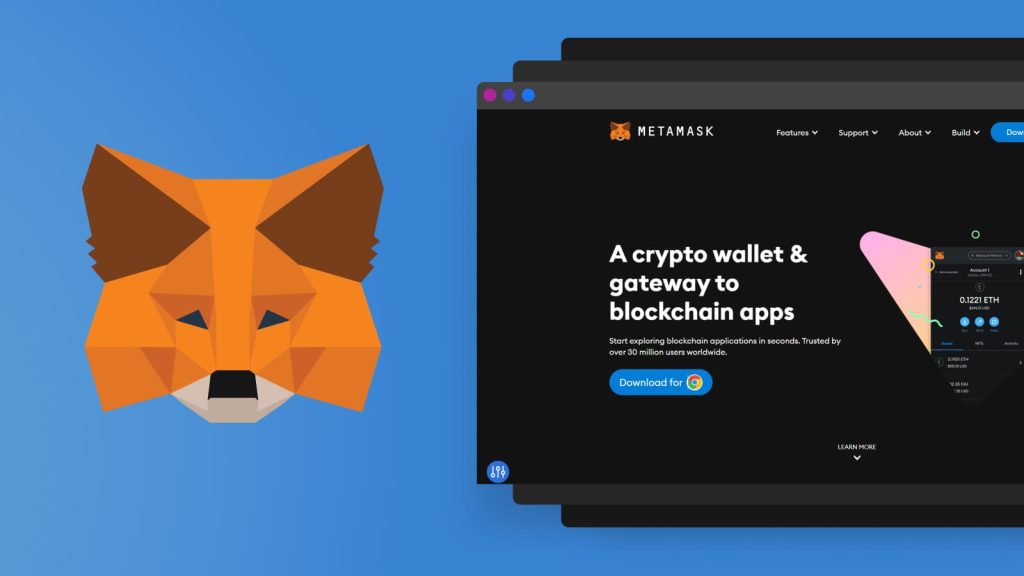
MetaMask Wallet is one of the most popular cryptocurrency wallets and gateways to blockchain applications, especially those built on Ethereum and other EVM-compatible networks.[3]
What MetaMask Does?
- Wallet Functionality: It allows users to store, send, and receive cryptocurrencies like ETH and ERC-20 tokens.
- Browser Extension & Mobile App: Available as a Chrome/Firefox extension and mobile app, it lets users interact directly with decentralized applications (dApps).
- Self-Custody: Users control their private keys and seed phrases, meaning they own their assets without relying on a centralized entity.
What’s Good for Adoption
- Simplified Onboarding: Users can now create and recover wallets using familiar credentials, removing the friction of managing 12-word seed phrases.
- Self-Custody Preserved: Despite using Web2 logins, MetaMask ensures that private keys and Secret Recovery Phrases (SRPs) remain inaccessible to Google, Apple, or even MetaMask itself.
- Advanced Cryptography: MetaMask uses Shamir Secret Sharing and Threshold Oblivious Pseudorandom Functions to split and encrypt wallet data across multiple nodes, ensuring no single entity can reconstruct it.
- Cross-Device Recovery: Users can restore wallets across devices using their social login and password, improving accessibility.
What Raises Decentralization Concerns
- Web2 Dependency: Relying on centralized platforms like Google and Apple introduces potential points of failure, censorship, or surveillance.
- Password Reliance: If a user forgets their password, recovery becomes impossible unless they’ve exported their SRP—there’s no fallback from MetaMask [1].
- Perception Shift: Some in the crypto community view this as a step toward convenience at the cost of decentralization’s core ethos.
Is Your Seed Phrase Still Private? Absolutely!
When it comes to new features that involve personal accounts, privacy is always a hot topic. But don’t worry—MetaMask has designed this solution with your security in mind. With MetaMask’s social login, a seed phrase is created that is:
- Generated Privately: It’s made right on your device or in a super secure environment, so it never gets shared with Google or Apple.
- Accessible Only to You: Your social login serves as a key to access this seed phrase, meaning only you can get to it with your credentials.
- Encrypted and Secure: The technology behind it ensures your assets stay safe, with the seed phrase never being directly revealed to anyone else.
So, while the login process might feel familiar, the decentralized nature of your wallet and its security are still top priorities.
Balanced Perspective
MetaMask’s approach is a hybrid model—it doesn’t compromise decentralization at the protocol level but does introduce user experience trade-offs. It’s a pragmatic move to onboard millions of new users who might otherwise be deterred by the complexity of seed phrases.
In short: It’s good for accessibility and adoption, but it introduces centralization risks that users should be aware of. For those who value full decentralization, exporting and securely storing your SRP remains essential.
How to To use your MetaMask wallet to buy gift cards
Here is a Step-by-Step Guide to Buy Gift Cards with MetaMask
1. Set Up MetaMask
- Install MetaMask as a browser extension or mobile app.
- Create a wallet and securely store your Secret Recovery Phrase.
- Fund your wallet with ETH or supported tokens (e.g., USDT, BNB) via transfer or purchase [4] [5].
2. Visit RefillArena.com
- Go to RefillArena.com or crypto gift card platform.
- Browse available gift cards (Amazon, Netflix, Uber, etc.).
- Select the gift card you want and choose the amount.
3. Add to Cart & Checkout
- Click “Add to Cart”.
- Proceed to Checkout.
- Choose ‘Paywith Crypto’ and connect to your “MetaMask Wallet” as your payment method.
4. Connect MetaMask
- A prompt will appear asking you to connect your MetaMask wallet.
- Click “Connect” and approve the connection.
5. Confirm Payment
- MetaMask will open with the transaction details.
- Review the amount and gas fees.
- Click “Confirm” to send the payment.
6. Receive Your Gift Card
- Once the transaction is confirmed, you’ll receive:
- A digital gift card code on the website.
- A confirmation email with your receipt and redemption details.
Tips for a Smooth Experience
- Ensure your wallet is funded with enough ETH or the required token.[5]
- Double-check the network (Ethereum, BNB Chain, etc.) before sending.
- Use a secure browser, preferably over VPN and avoid public Wi-Fi during transactions.[4]
Find List of other popular Gift cards:
List of Popular Categories in Gift cards & Prepaid Cards:
List of Popular eSIM Cards:
- Get Your Egypt eSIM Instantly with Cryptocurrency
- Get Your Americas eSIM Instantly with Cryptocurrency
Other Similar Popular Post
References:
[1] MetaMask Adds Google and Apple Login to Simplify Self-Custodial Wallet …
[2] MetaMask launches social login feature using Google and Apple accounts …
[3] Getting started with MetaMask | MetaMask Help Center
[4] How To Use MetaMask? | Step-By-Step Guide – UseTheBitcoin